To add copyright information to Media Items, follow these steps:
- Select the Media Item you want to add or edit, and click on the Edit button on the ribbon.
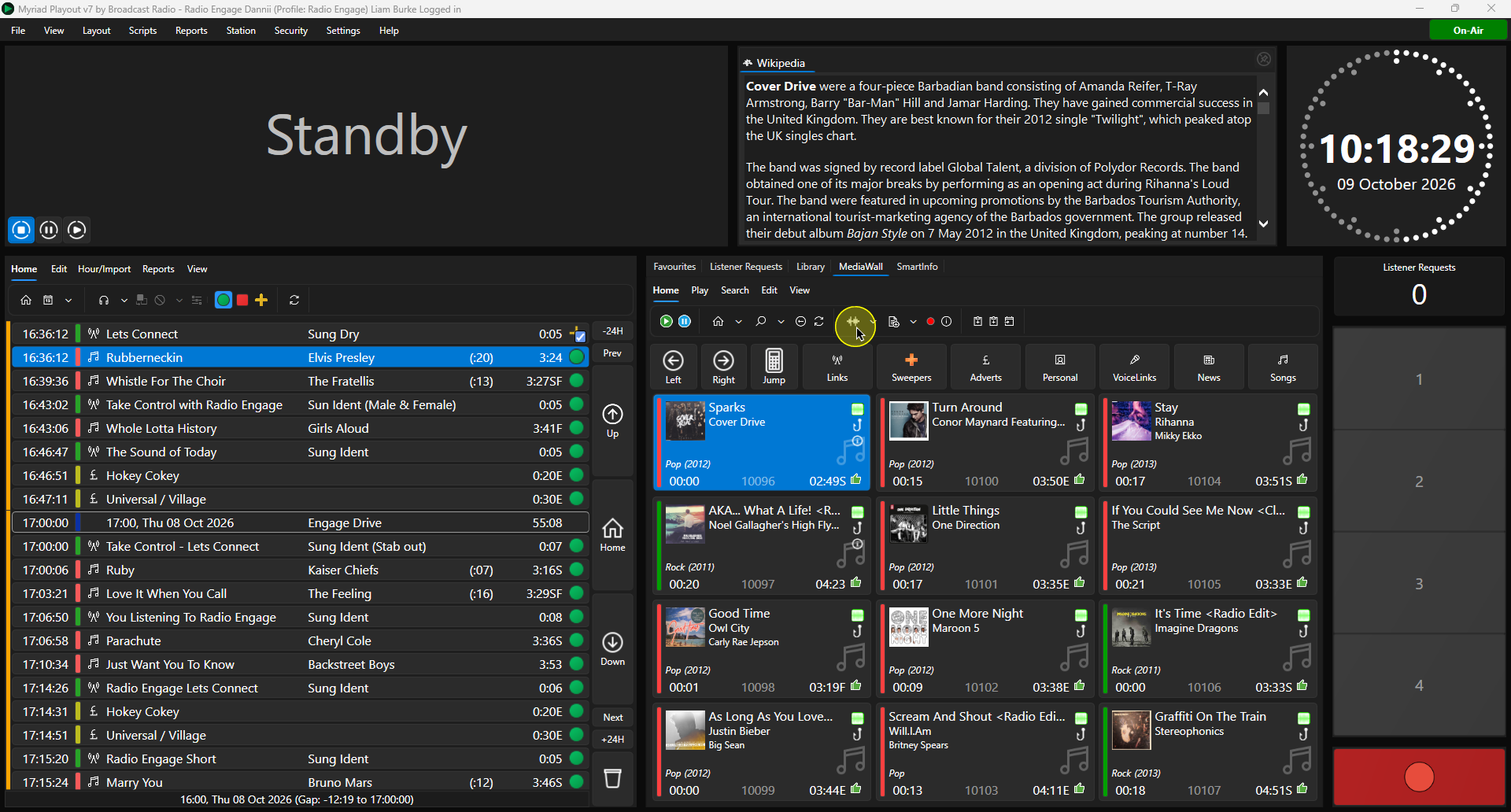
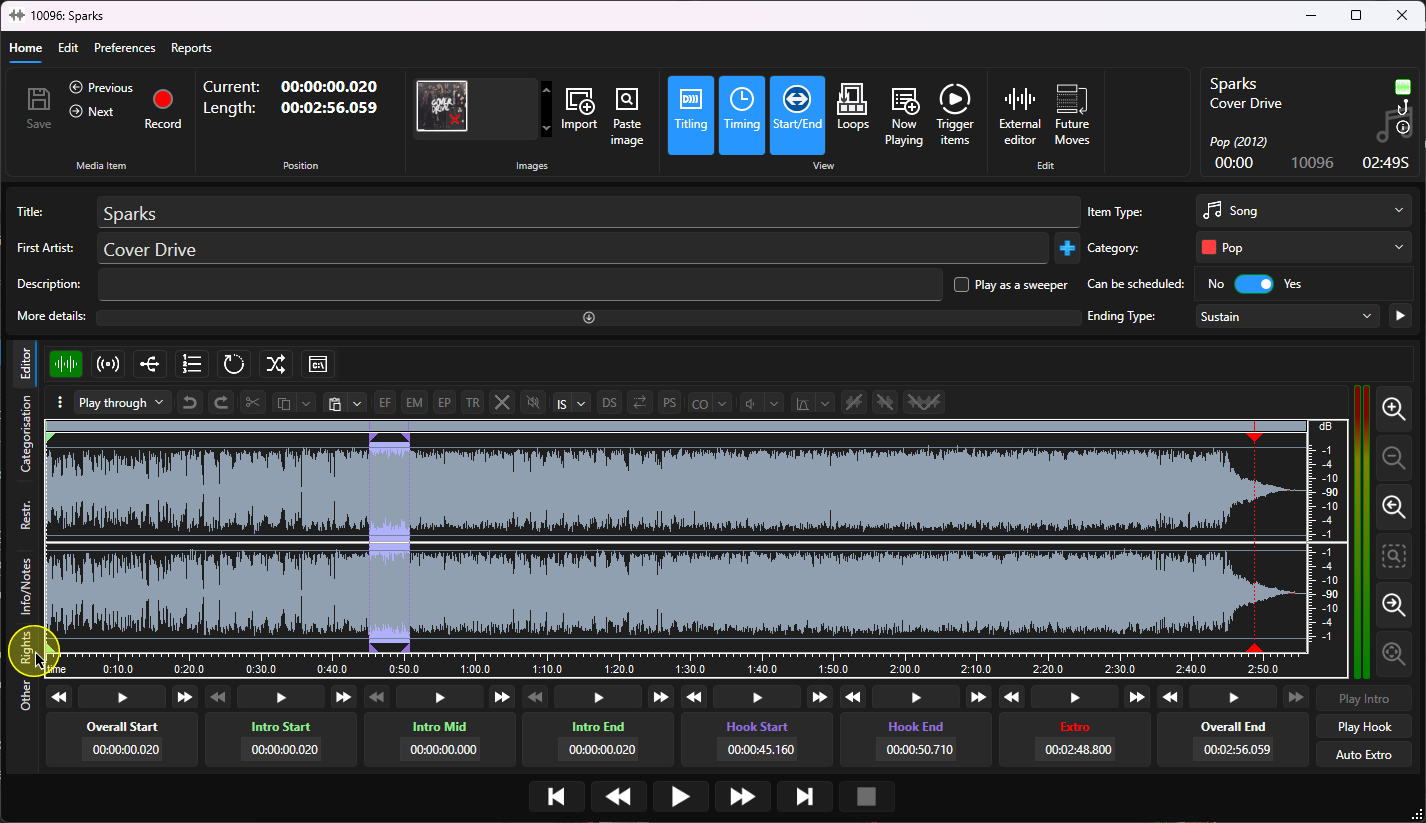
- Click on the Rights tab.
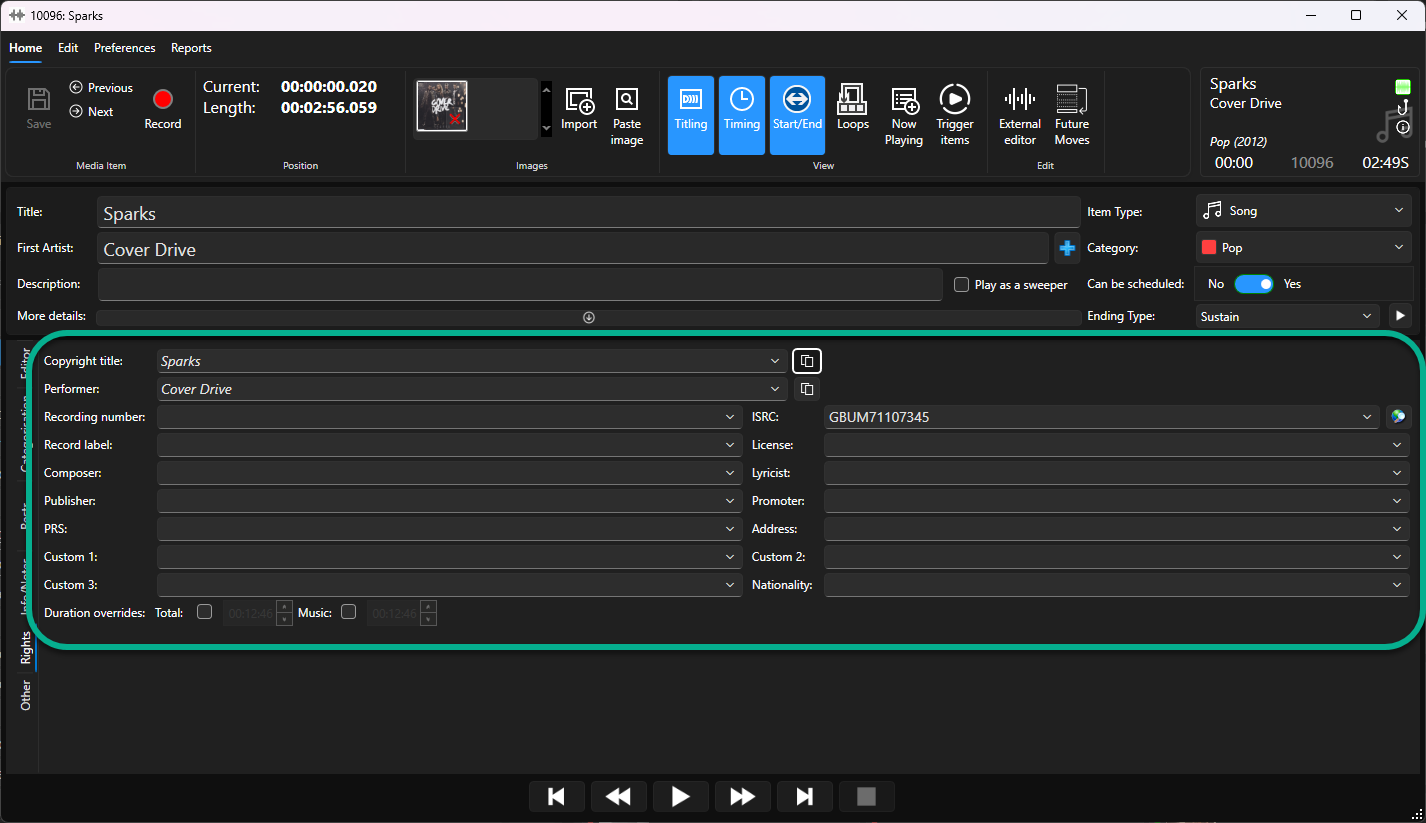
- Fill in the relevant copyright information.
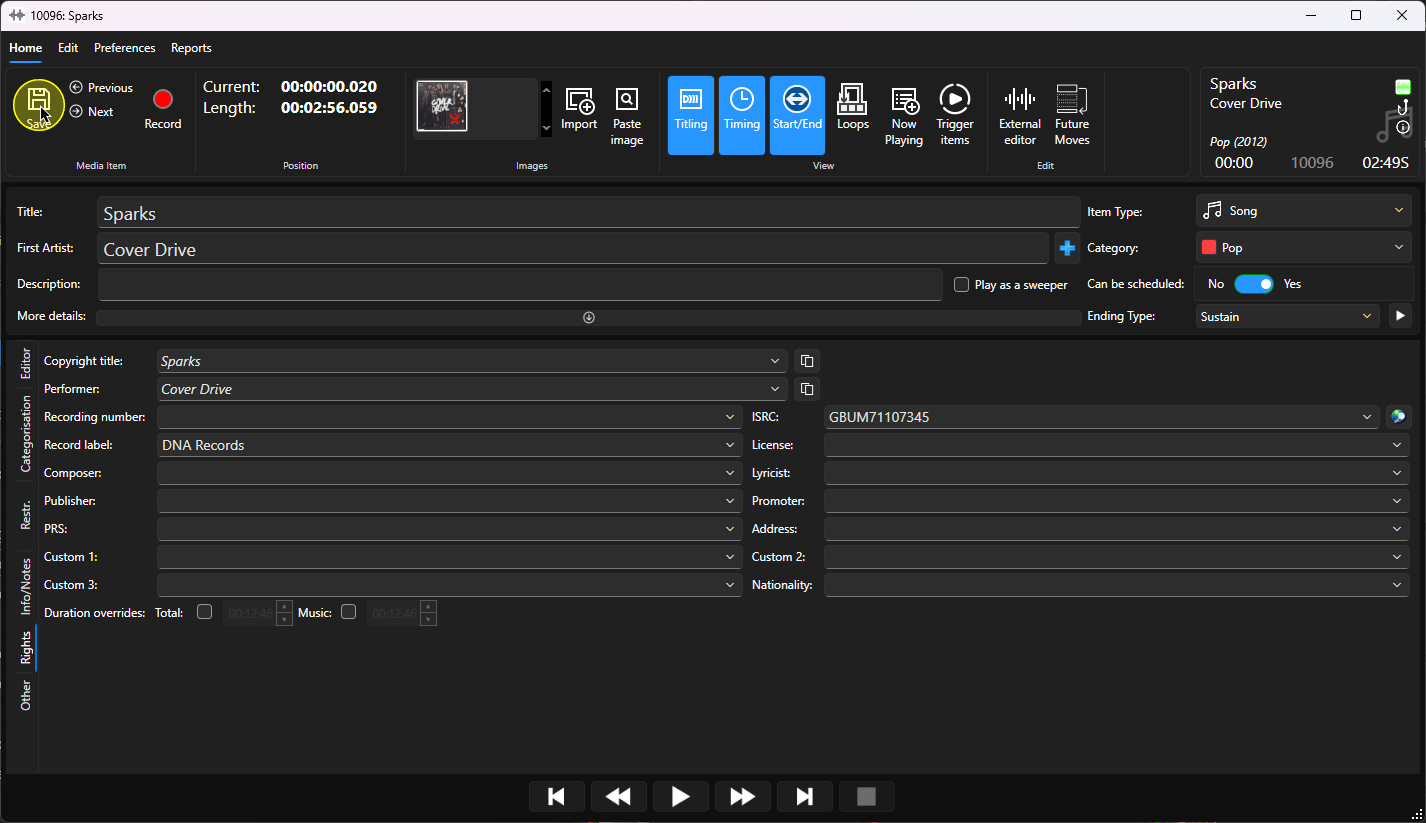
- Click on the Save button.
Was this article helpful?
That’s Great!
Thank you for your feedback
Sorry! We couldn't be helpful
Thank you for your feedback
Feedback sent
We appreciate your effort and will try to fix the article