Typically, Myriad will automatically 'trim' silence from the start of any audio that is imported so that when it is dropped into a Media Player, the audio will start immediately when the Play button is pressed on the Media Player.
In practice, Myriad does not remove any audio from the imported file, it sets an Audio Start marker at the point where audio starts, effectively ignoring any silence at the beginning of the audio file.
In the example below, the Song has 0.315 seconds of silence at the beginning of the file so Myriad has set the Overall Start Time to be 00:00:00.315.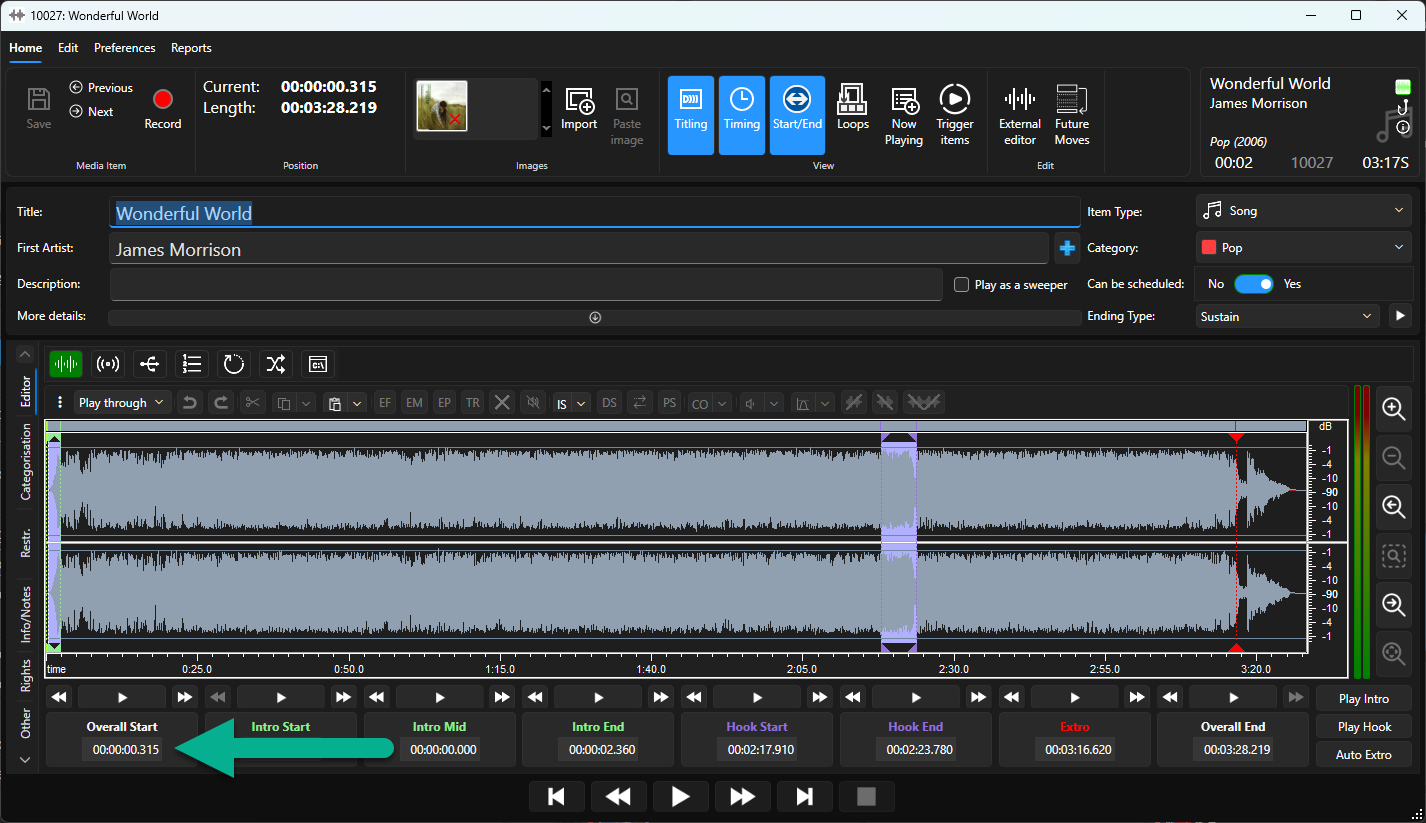
These negligible adjustments are made automatically as Myriad imports content, but they make a big difference to the way your station will sound on-air.
Myriad does not automatically set Overall End Markers but it does set the Extro automatically so silence at the end of an audio file does not need to be trimmed.
You can manually apply Overall Start / End Markers to effectively mask the beginning and end of audio files in Myriad.
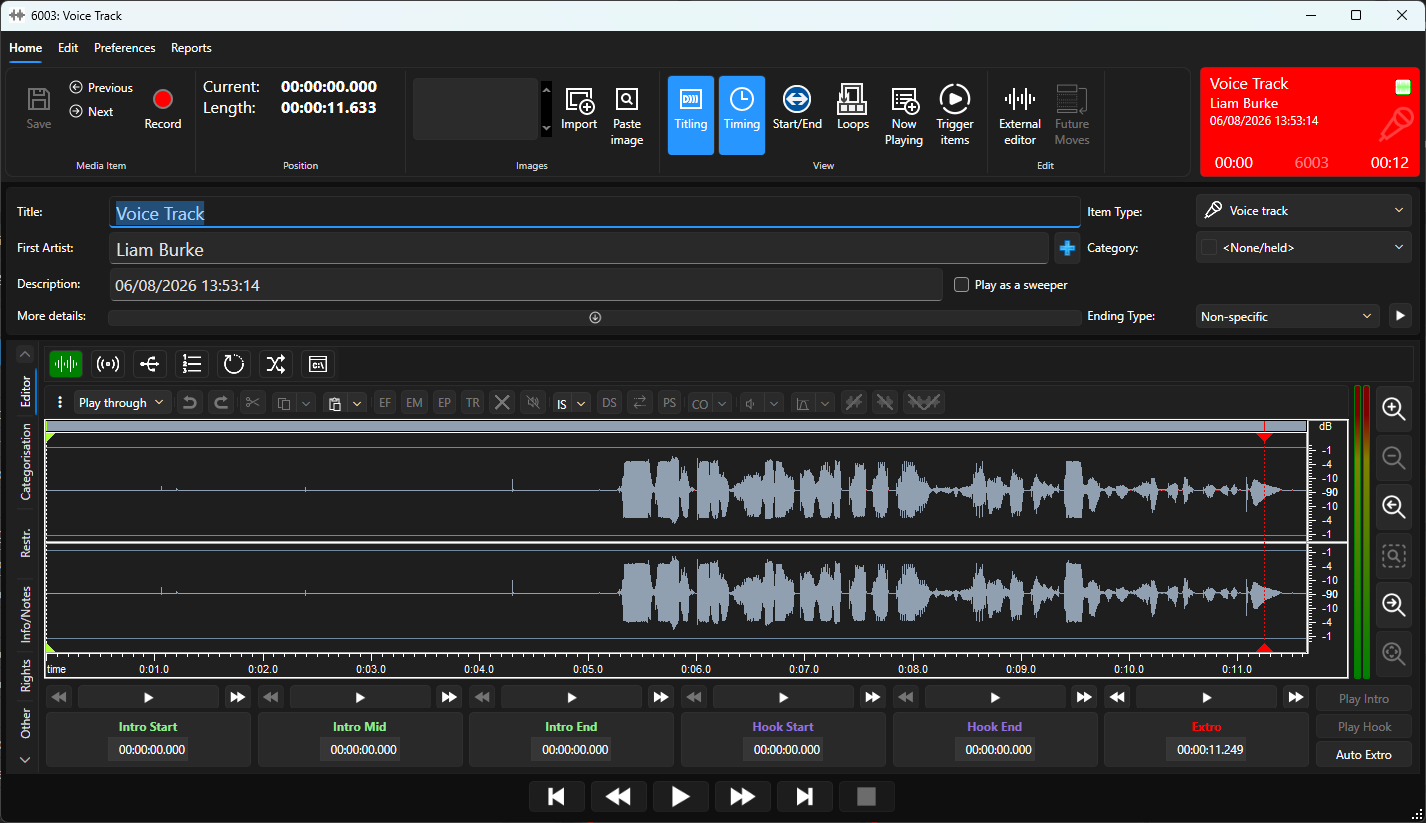
In the example above, we have a recording with several seconds of silence at the beginning,
We could use the audio editor to delete the silence permanently from the audio file, but we would not be able to recover it later.
Instead, we can use the Overall Start time to mask the silence on the Media Item.
- Click on the Start / End button on the Home Ribbon to make the Start / End options visible.
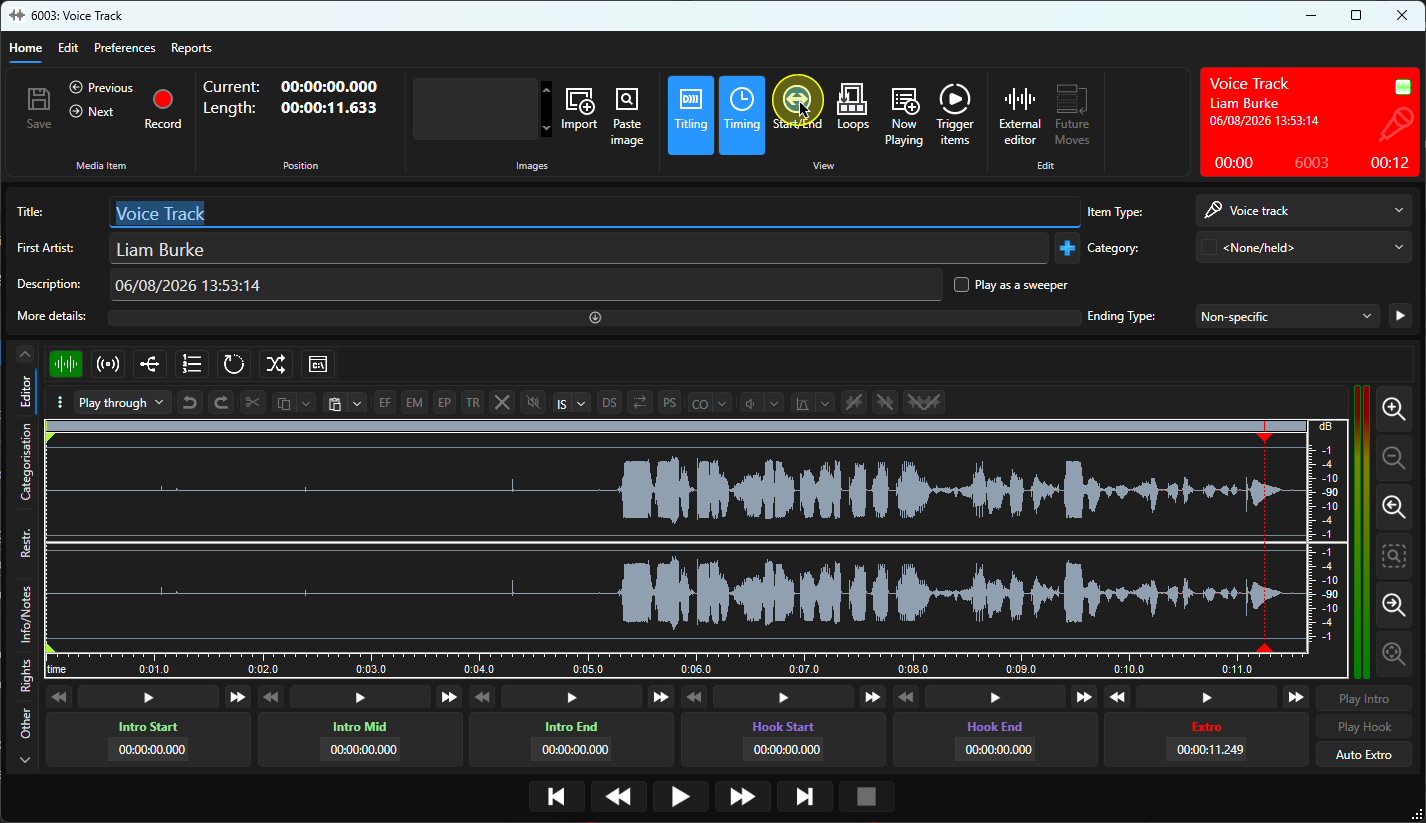
- This will enable the Overall Start & Overall End options in the timing panel.
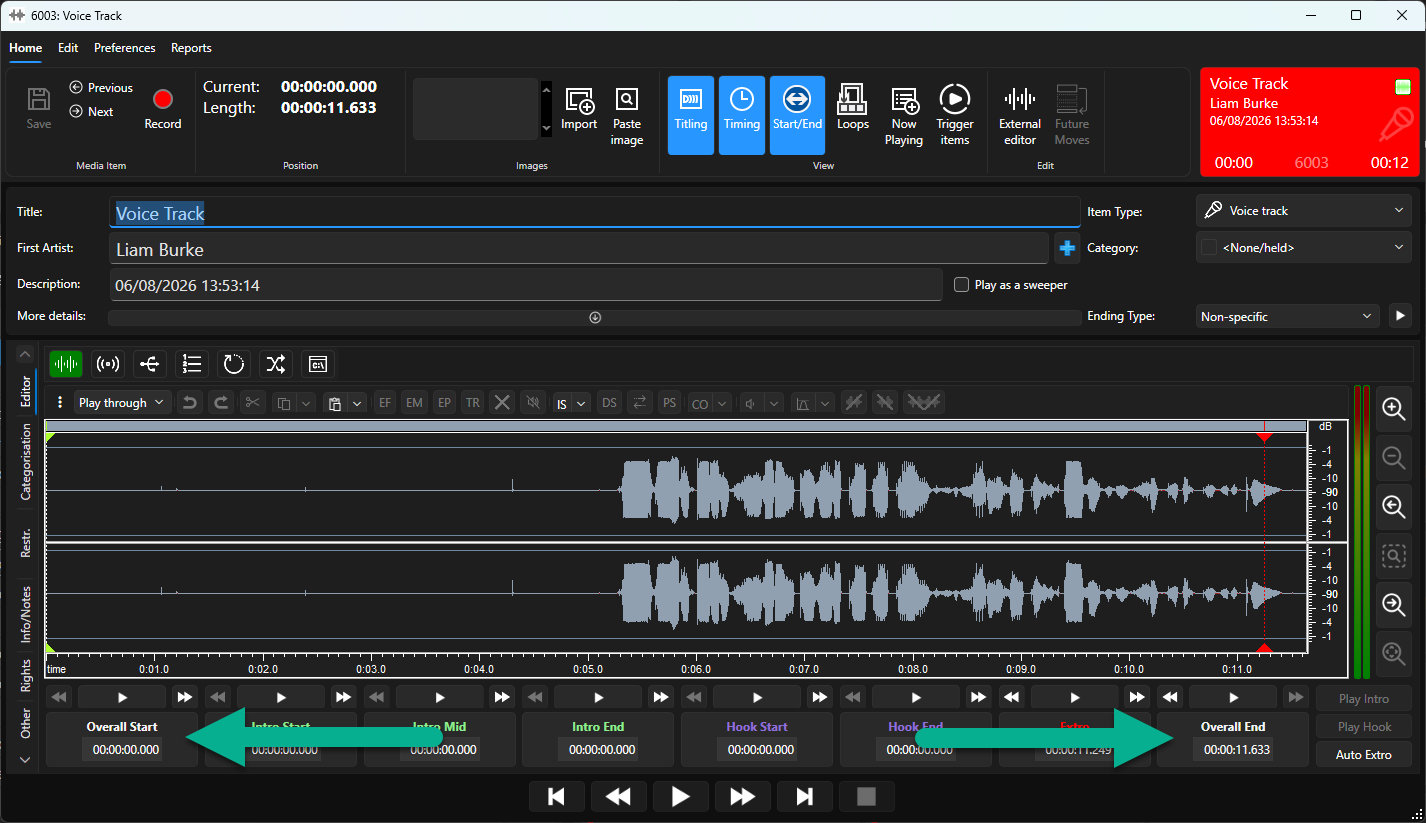
- Move the Play cursor to the position you want to act as the new Overall Start.
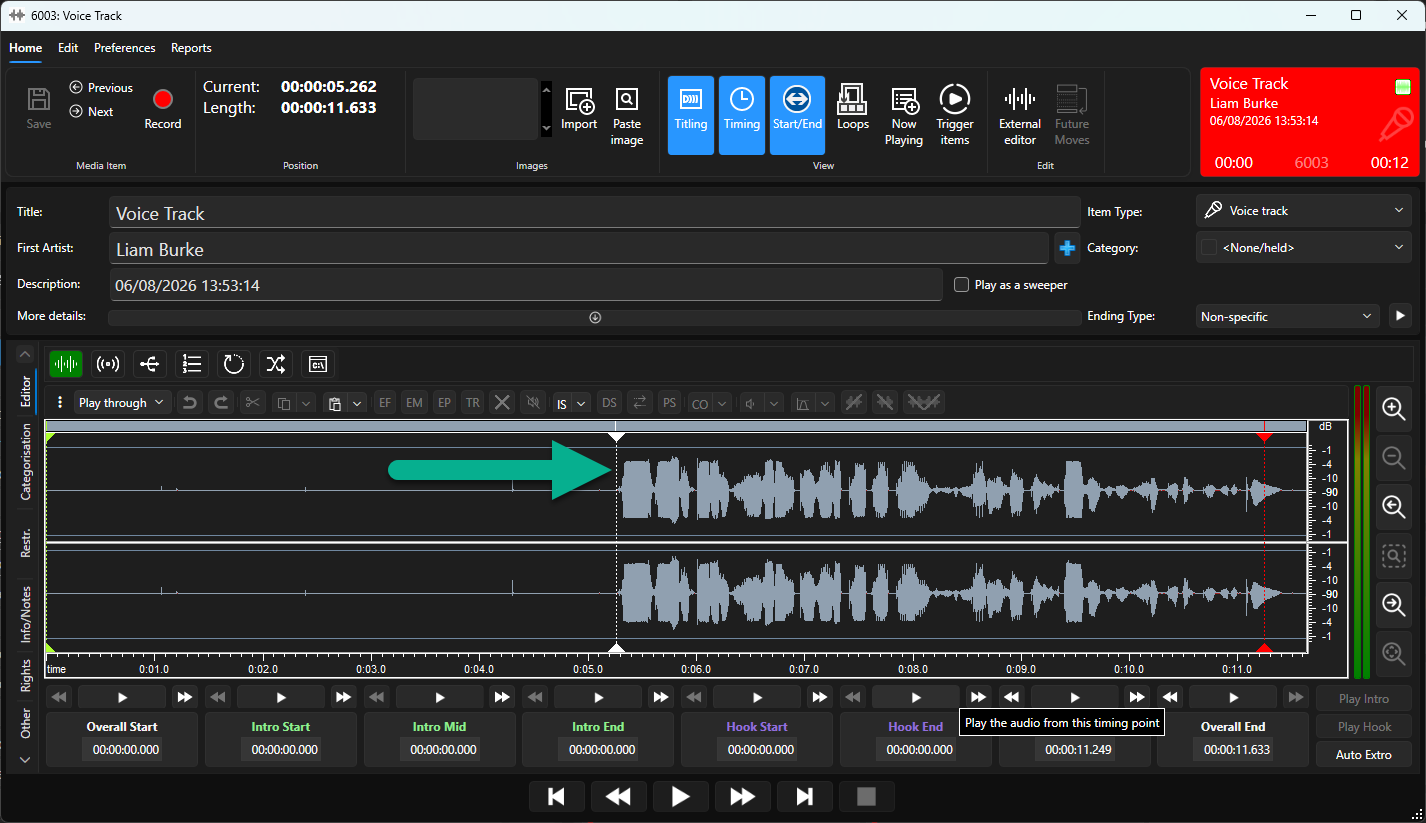
- Click on the Overall Start button.
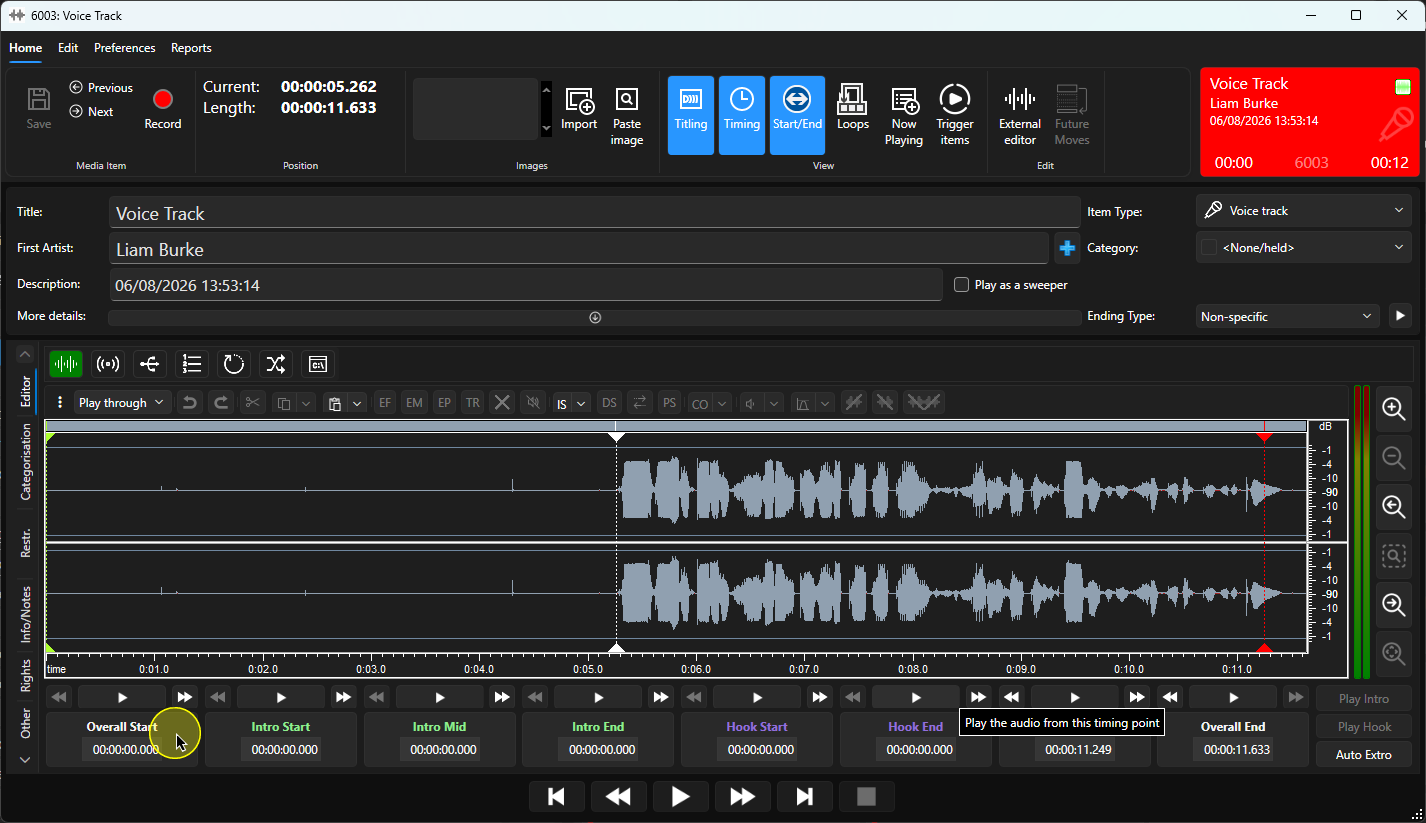
- Click on the Save button.
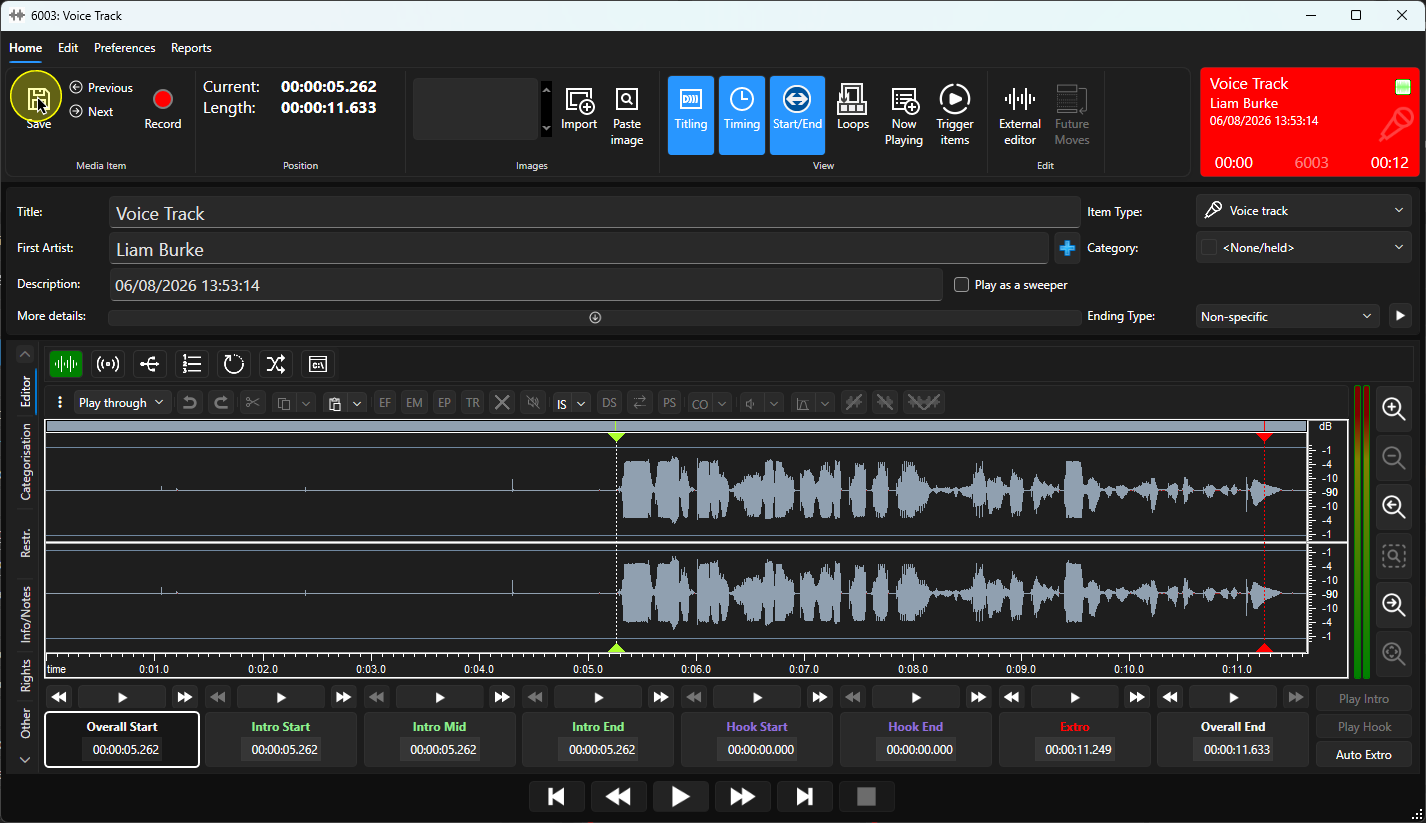
- The silent section remains on the wavefile and the overall reported duration in the Edit window remains 11.63 seconds.
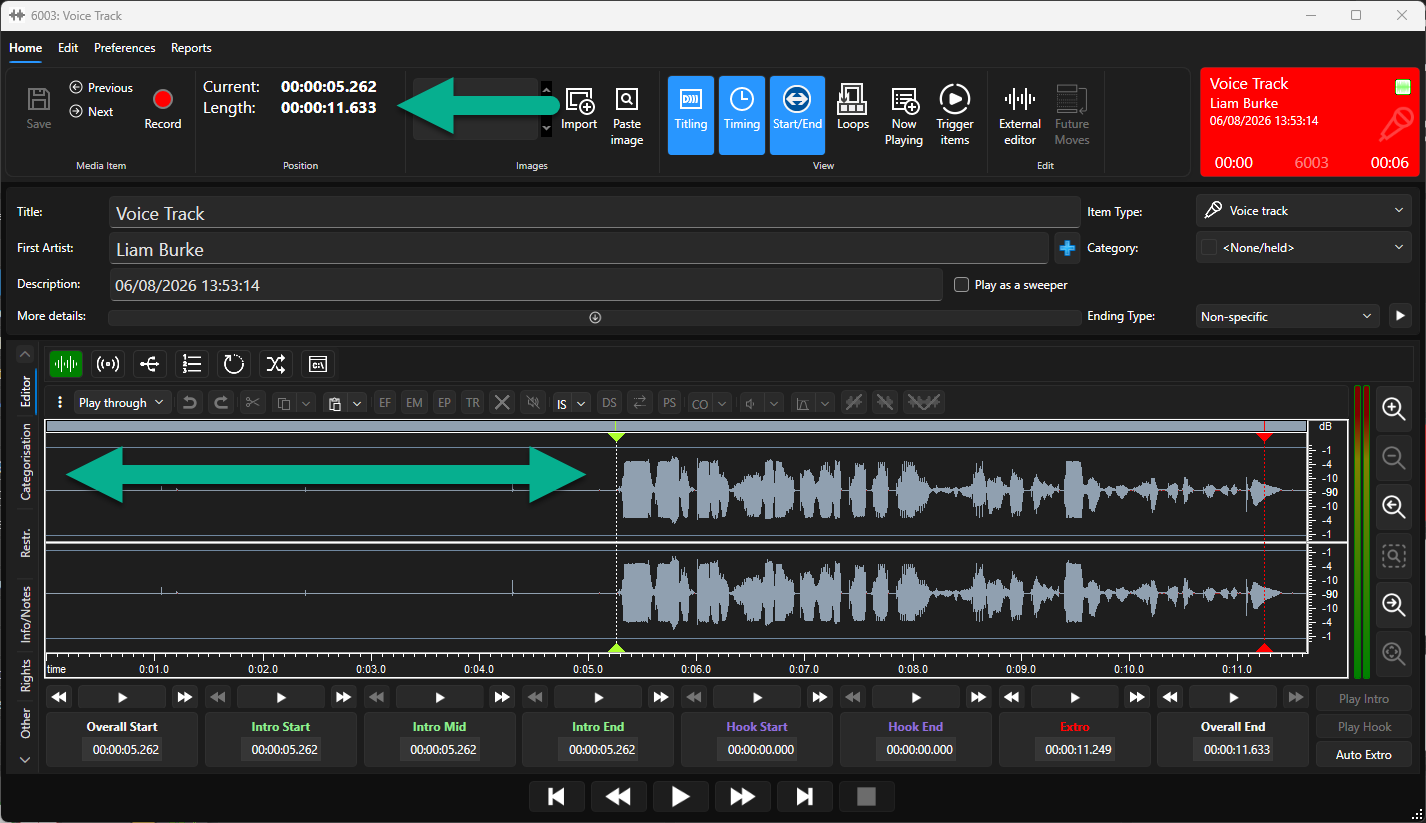
But when the Media Item is cued in a Media Player, the duration is reported as just 6 seconds because the Overall Start is causing Myriad to skip over the first 5.26 seconds.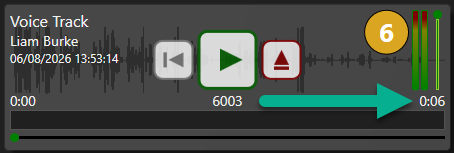
- You could repeat this process to ignore silence at the end of the audio file if you wished, but the Extro makes it less relevant as Myriad will have already moved on to the next item in the Log meaning the only downside to leave silence at the end is that the Media Player will be occupied by the Media Item for longer.
Was this article helpful?
That’s Great!
Thank you for your feedback
Sorry! We couldn't be helpful
Thank you for your feedback
Feedback sent
We appreciate your effort and will try to fix the article